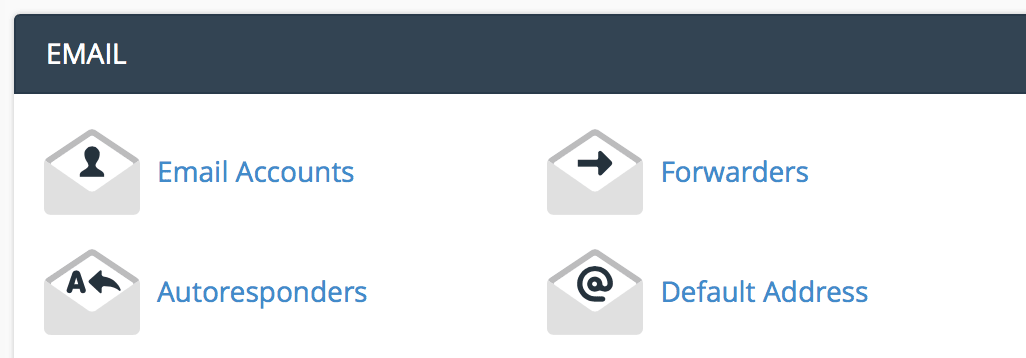
Under the email section, click "email accounts".
Enter the email information you want to set up.
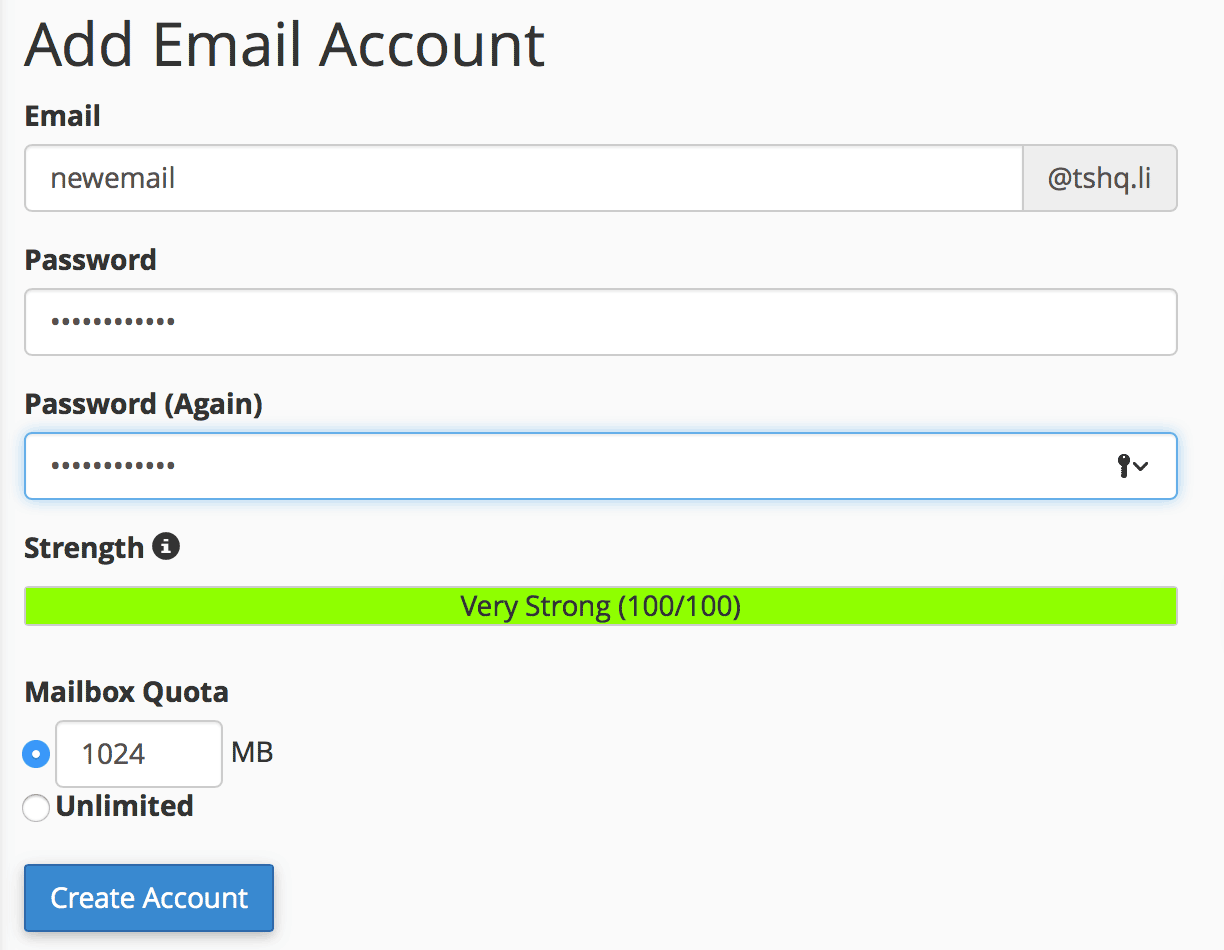
Click "create account".
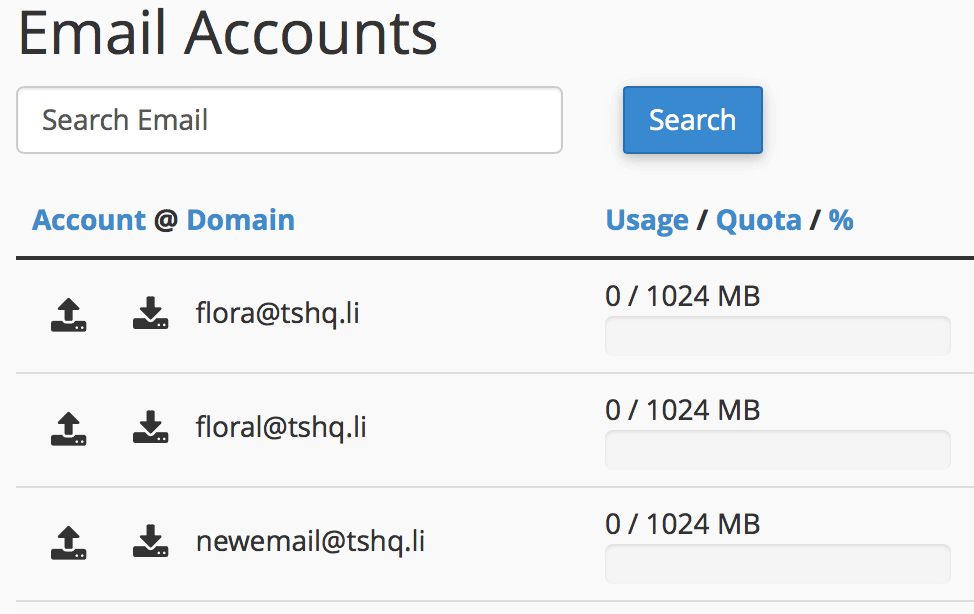
You will see your new email show up under your email accounts section.
Dedicated IP addresses are a huge benefit to any website there are numerous reasons why sites on...
Email encryption is the encryption of email messages to protect the content from being read by...
Sometimes users make mistakes and mess up their DNS. If this ever happens simply reset the zone...
To DELETE and replace everything with something else you just need to make a new folder or delete...
There are three types of ways to build an easy website on our hosting, I'll outline them here:...