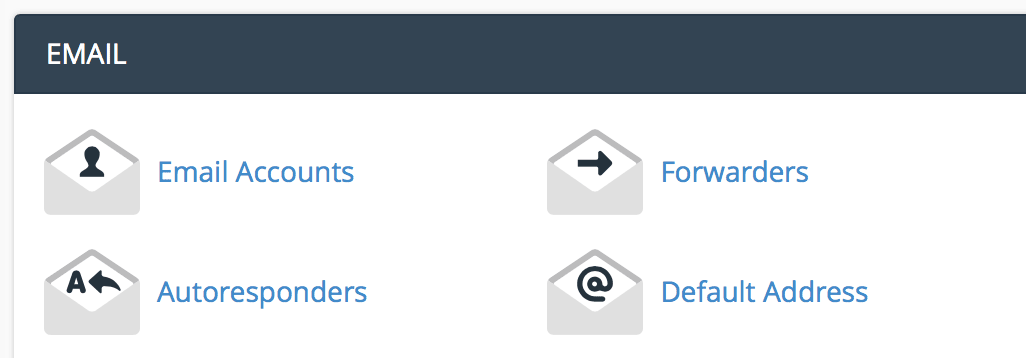
Under the email section, click "email accounts".
Enter the email information you want to set up.
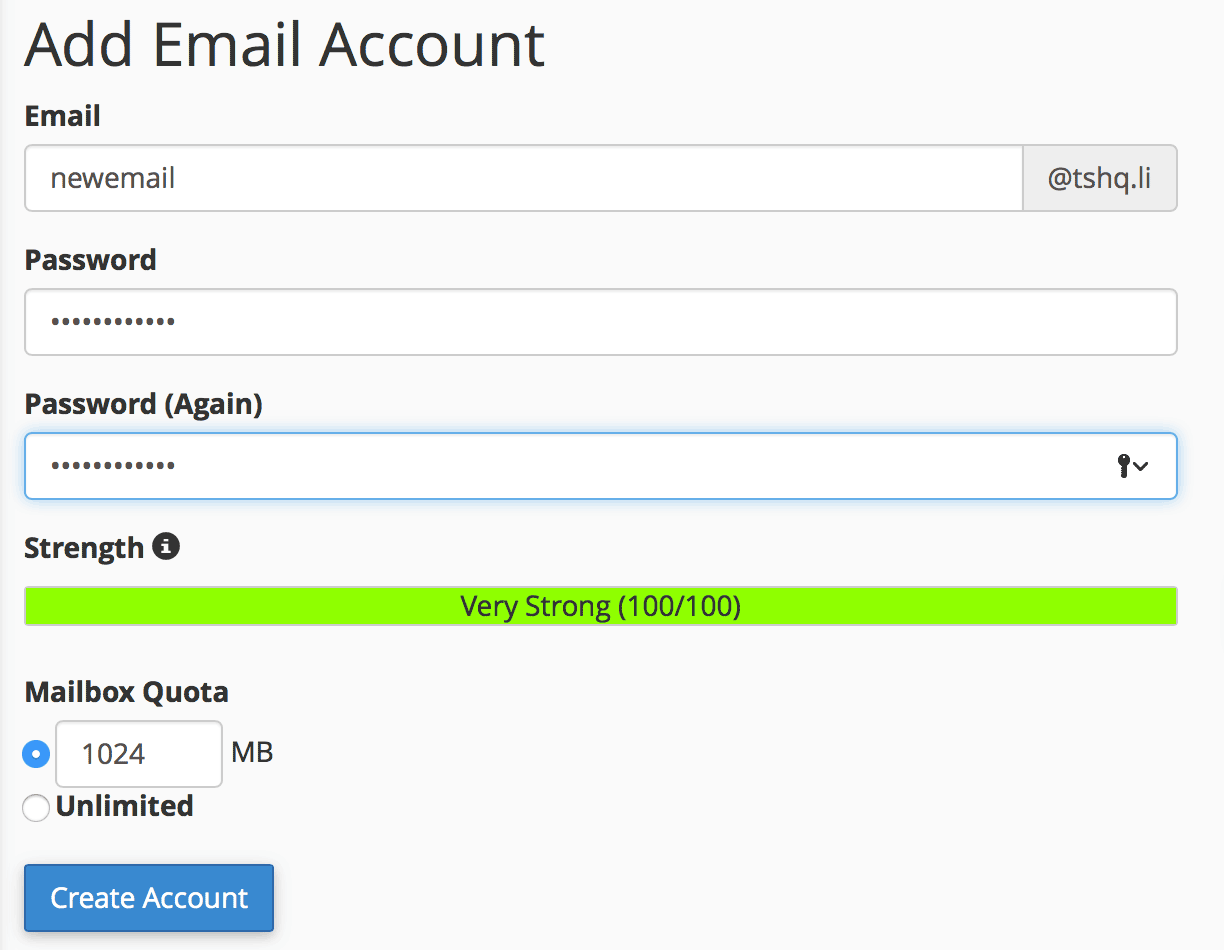
Click "create account".
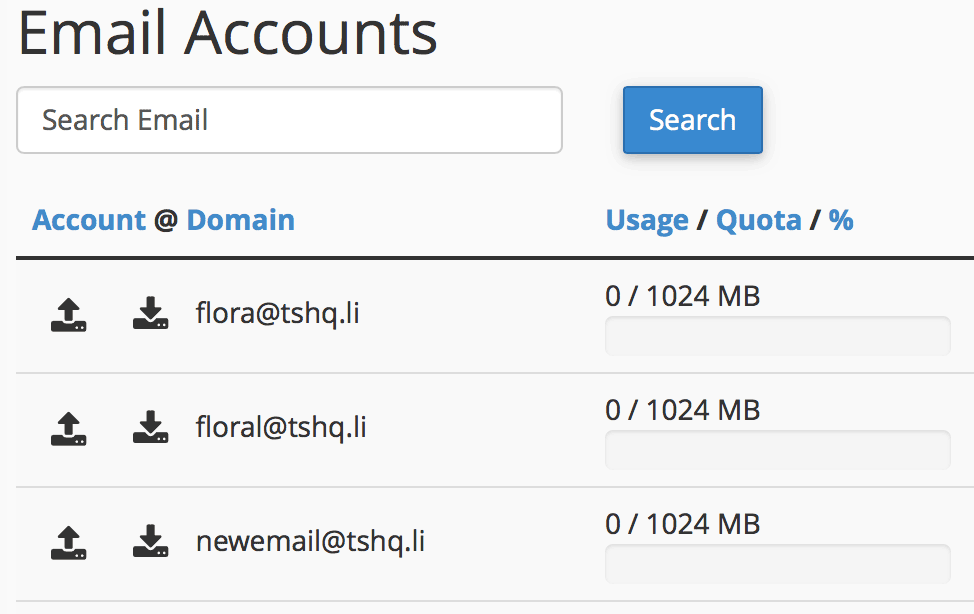
You will see your new email show up under your email accounts section.
Changing your password on cPanel is very simple. Here is a walk through guide for...
The protocol options are just different ways of using the email.IMAP means it is like you are...
Google recently said that sites that have SSL will be ranked higher in results and future...
SPF is a technology that tells others servers it's you that is sending the emails and so the...
To add a new database using MySQL, perform the following tasks:Log into cPanel. Once you are in...
