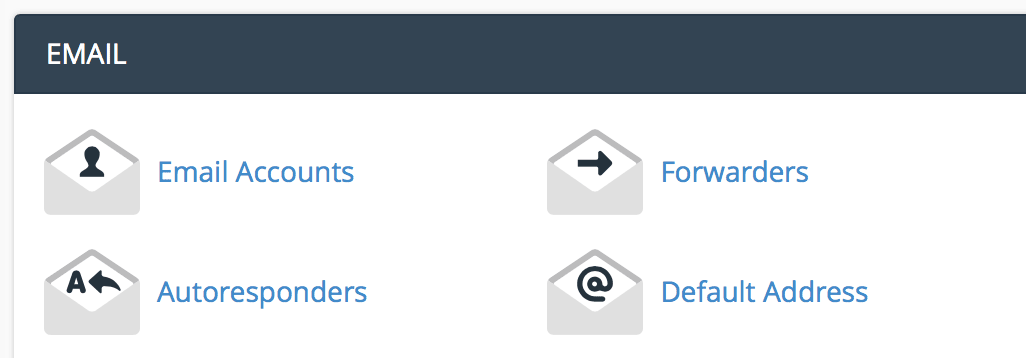
Under the email section, click "email accounts".
Enter the email information you want to set up.
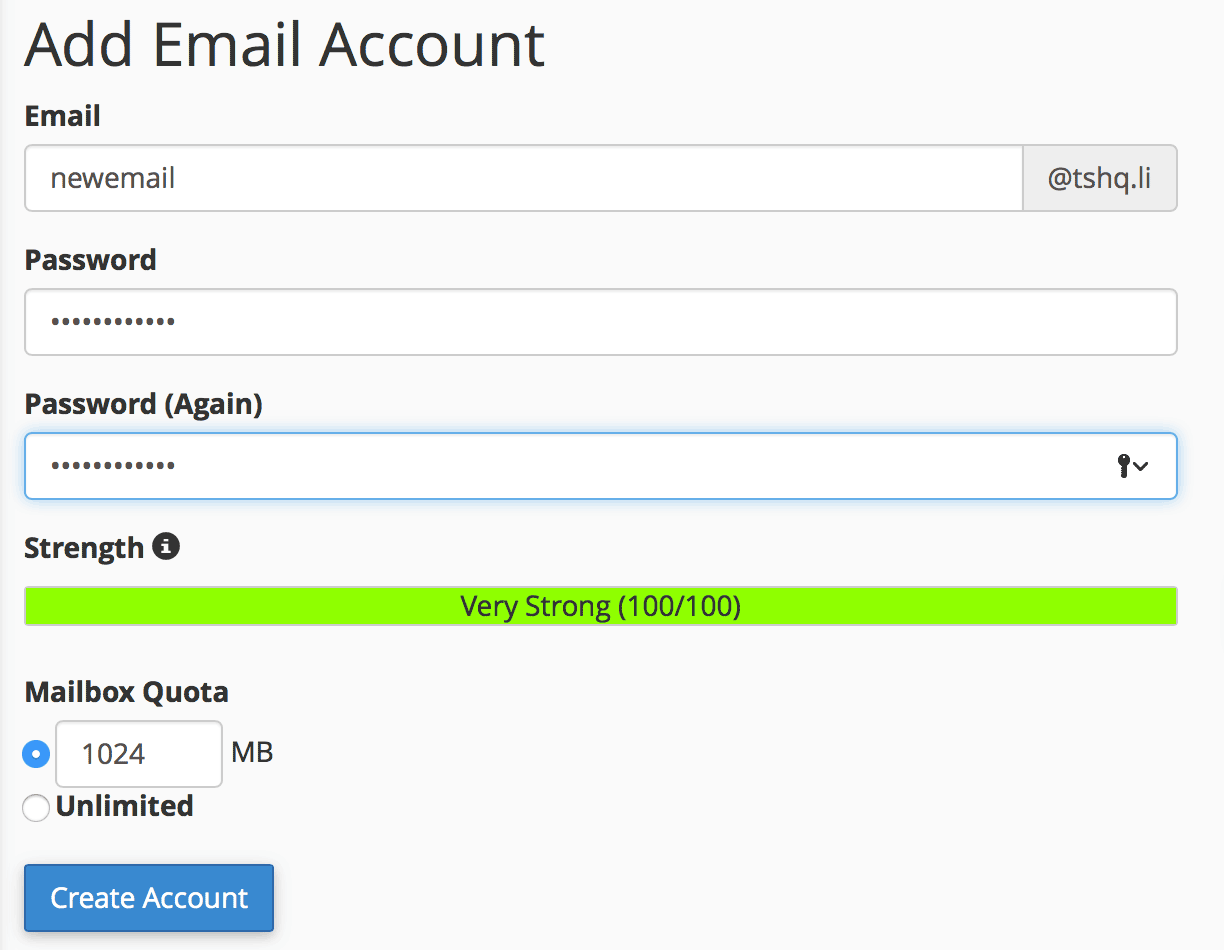
Click "create account".
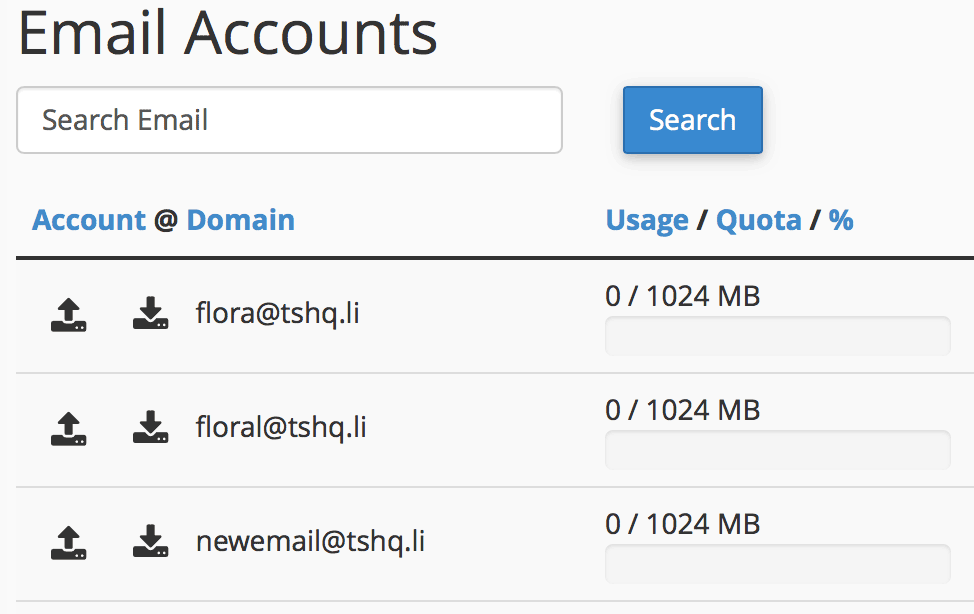
You will see your new email show up under your email accounts section.
Email encryption is the encryption of email messages to protect the content from being read by...
To edit your website using file manager, log into cPanel and scroll down to the Files...
File Transfer Protocol (FTP) is an easy way to take you files and put them into you website. When...
The Redirects interface allows you to send all of the visitors of a domain or particular page to...
To add a new database using MySQL, perform the following tasks:Log into cPanel. Once you are in...
