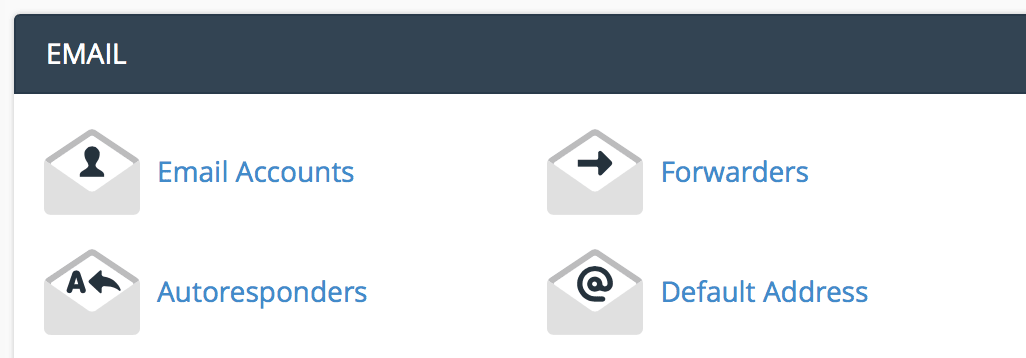
Under the email section, click "email accounts".
Enter the email information you want to set up.
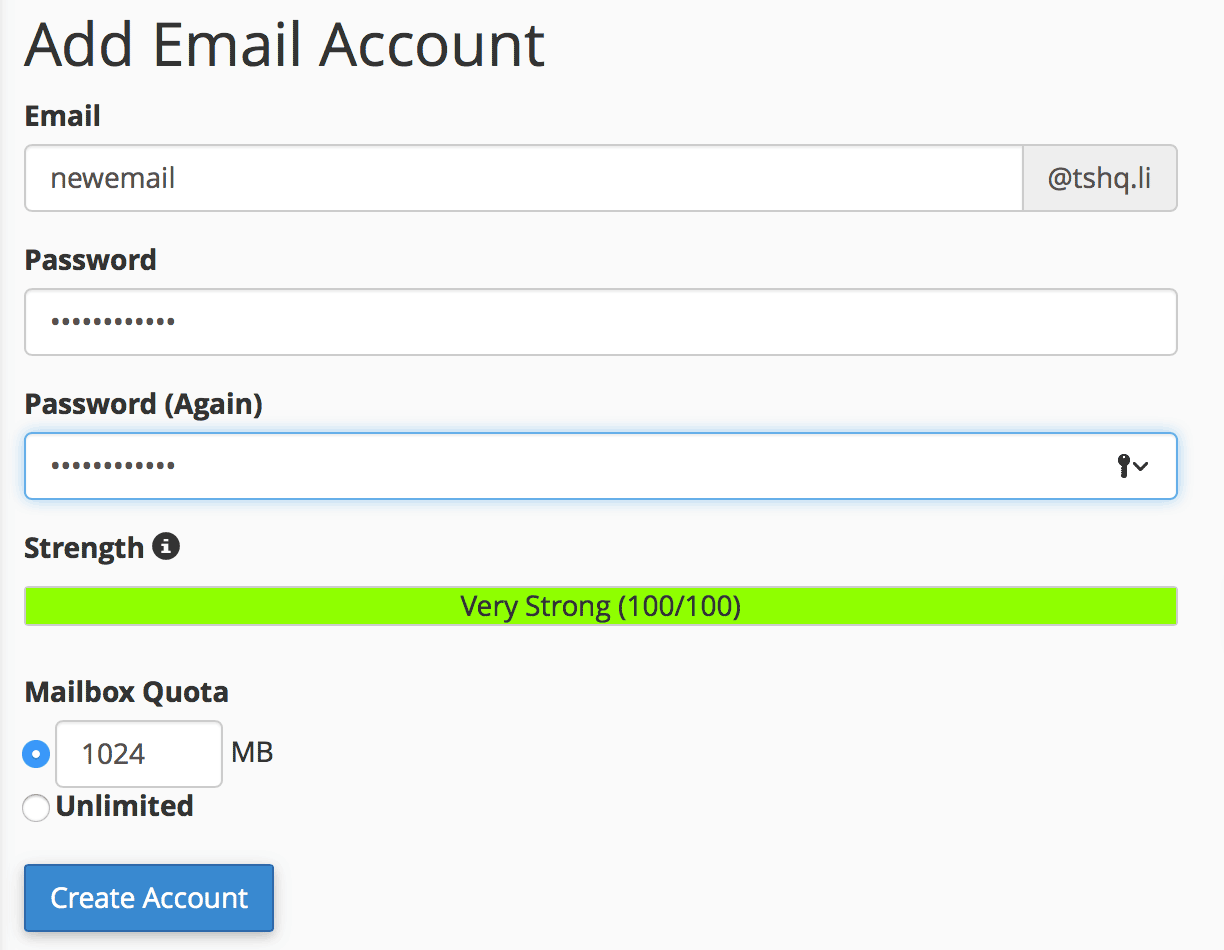
Click "create account".
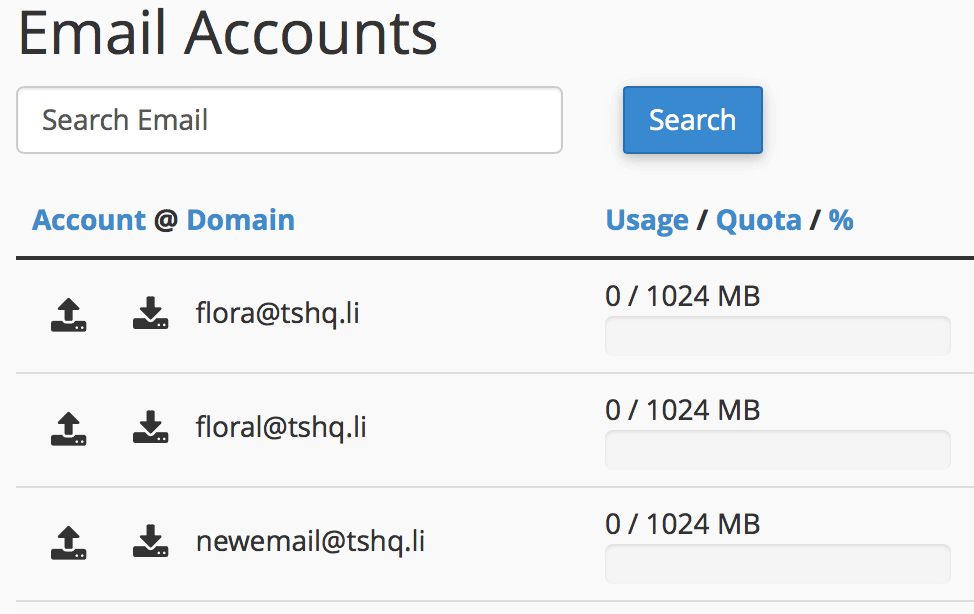
You will see your new email show up under your email accounts section.
The Redirects interface allows you to send all of the visitors of a domain or particular page to...
Email encryption is the encryption of email messages to protect the content from being read by...
Log into cPanel. In the files section, click on the moving truck with a person on it that says...
A subdomain is a subsection of your website that can exist as a new website without a new domain...
To add a new database using MySQL, perform the following tasks:Log into cPanel. Once you are in...