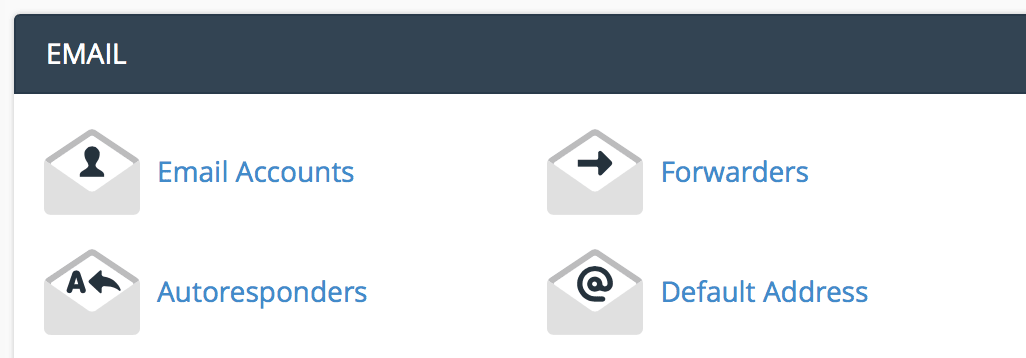
Under the email section, click "email accounts".
Enter the email information you want to set up.
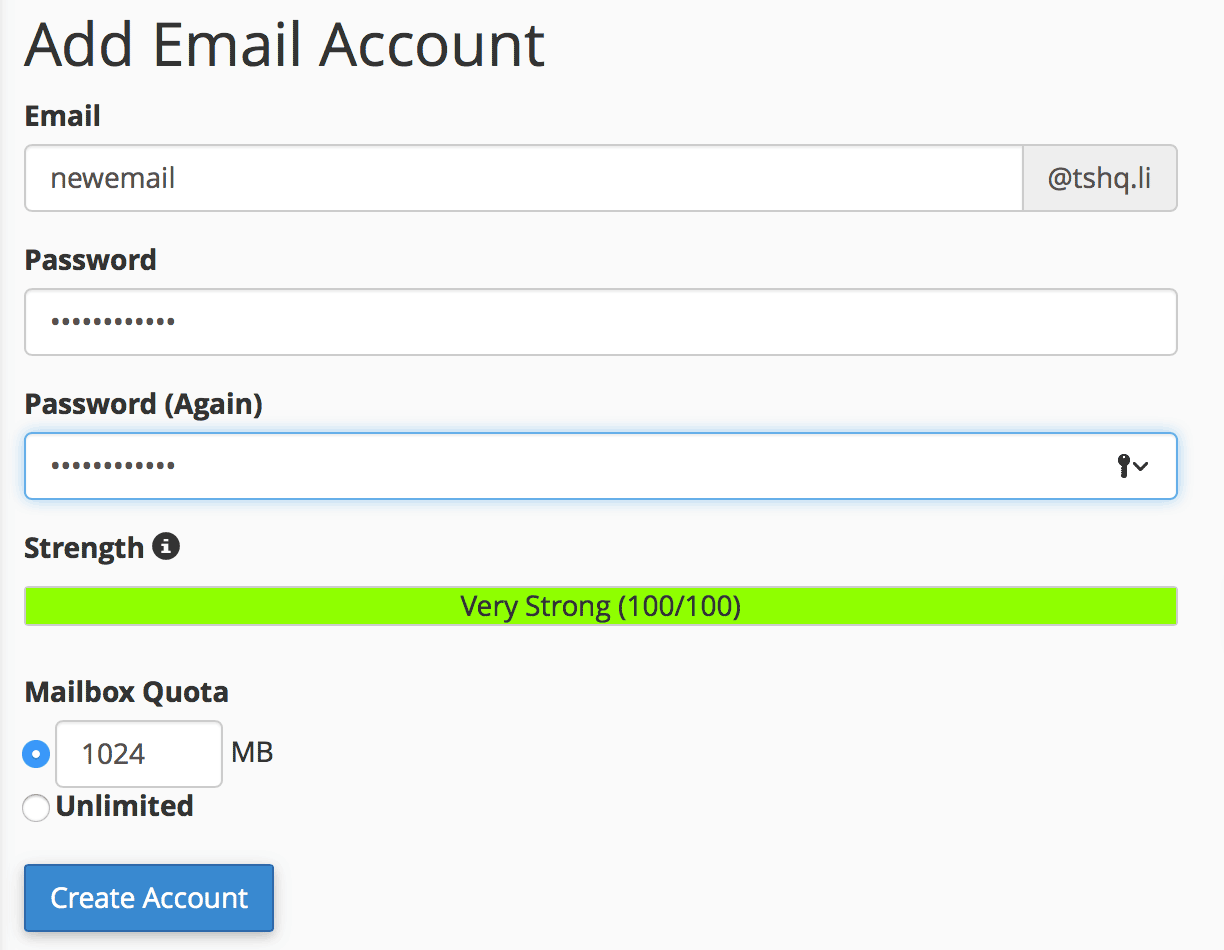
Click "create account".
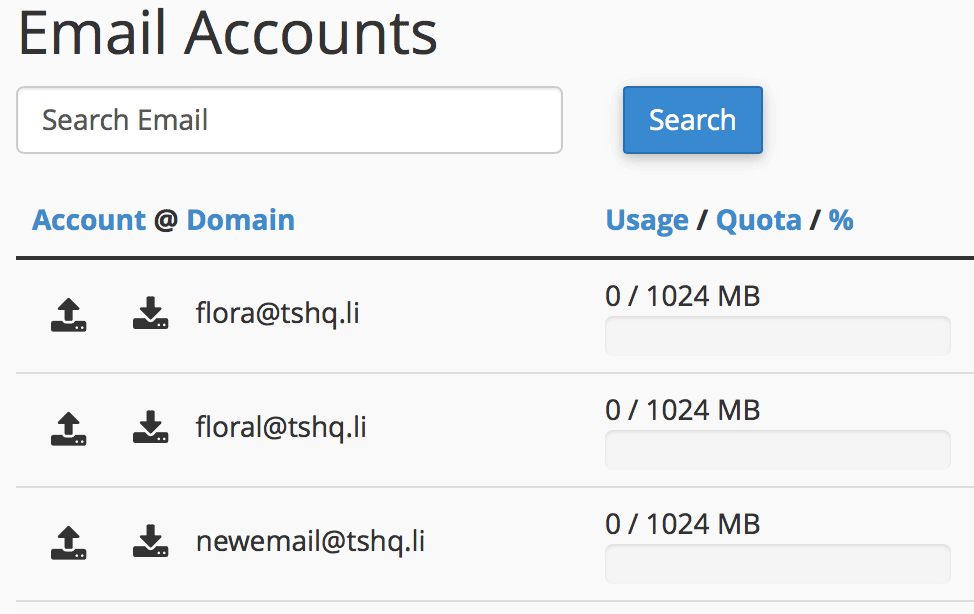
You will see your new email show up under your email accounts section.
There are lots of huge benefits to having a dedicated IP address and personally we think it is...
Email encryption is the encryption of email messages to protect the content from being read by...
The protocol options are just different ways of using the email.IMAP means it is like you are...
SPF is a technology that tells others servers it's you that is sending the emails and so the...
The Redirects interface allows you to send all of the visitors of a domain or particular page to...