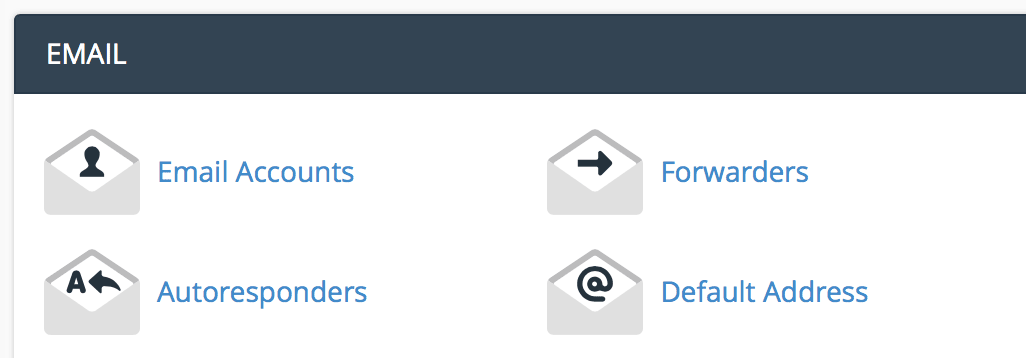
Under the email section, click "email accounts".
Enter the email information you want to set up.
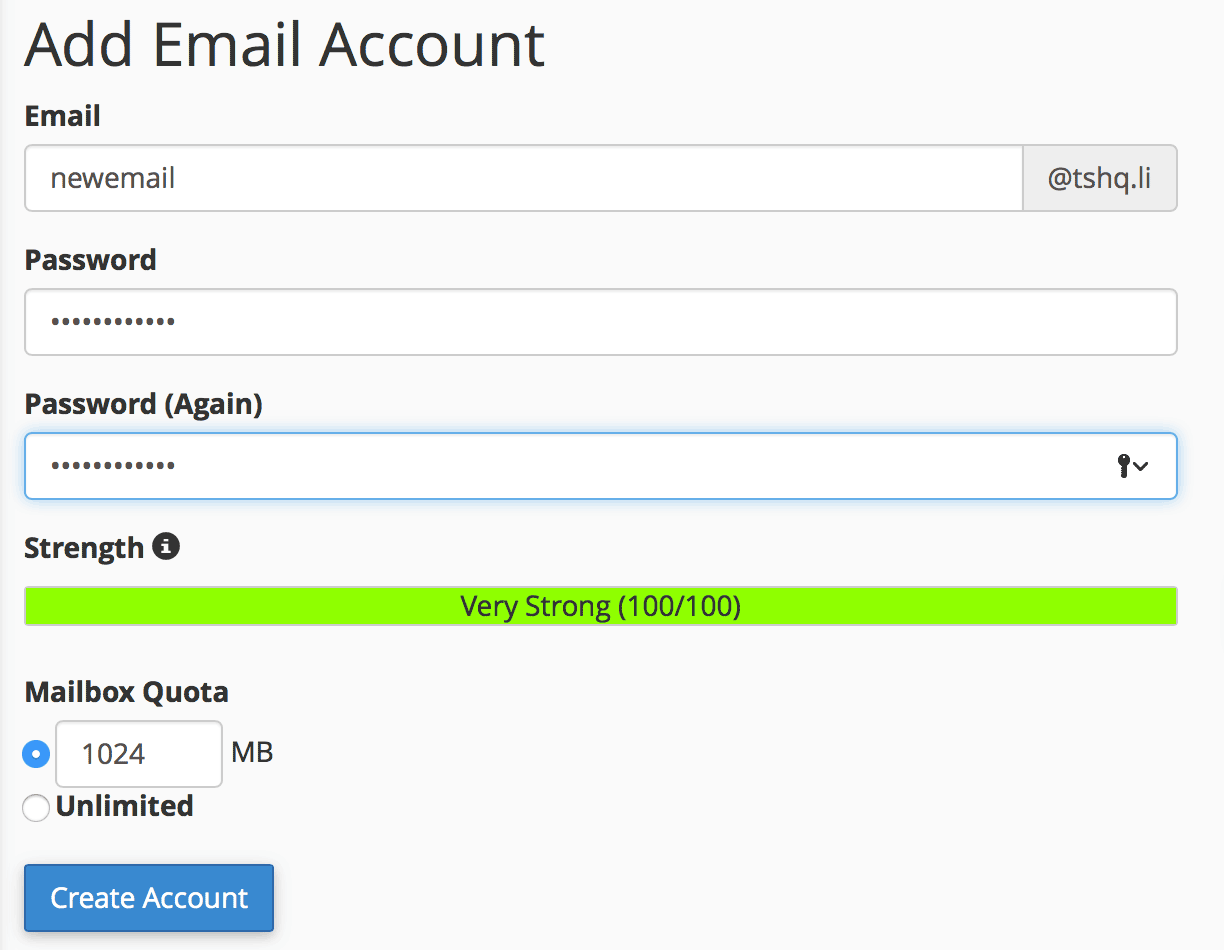
Click "create account".
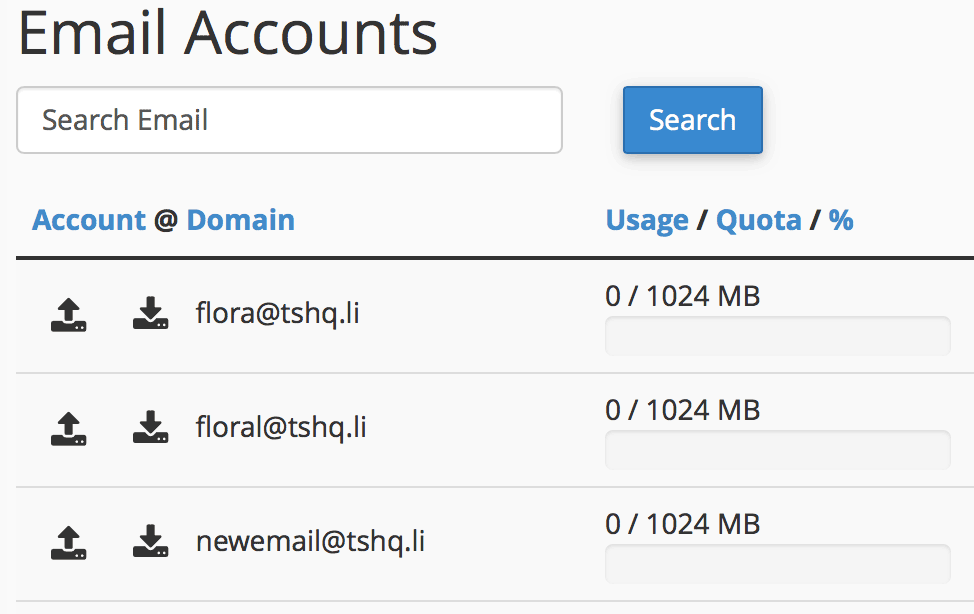
You will see your new email show up under your email accounts section.
File Transfer Protocol (FTP) is an easy way to take you files and put them into you website. When...
SPF is a technology that tells others servers it's you that is sending the emails and so the...
The protocol options are just different ways of using the email.IMAP means it is like you are...
There are three types of ways to build an easy website on our hosting, I'll outline them here:...
Changing your password on cPanel is very simple. Here is a walk through guide for...
