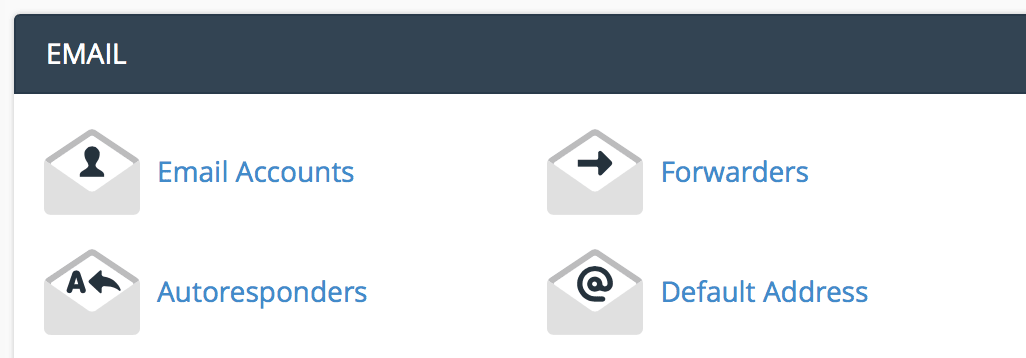
Under the email section, click "email accounts".
Enter the email information you want to set up.
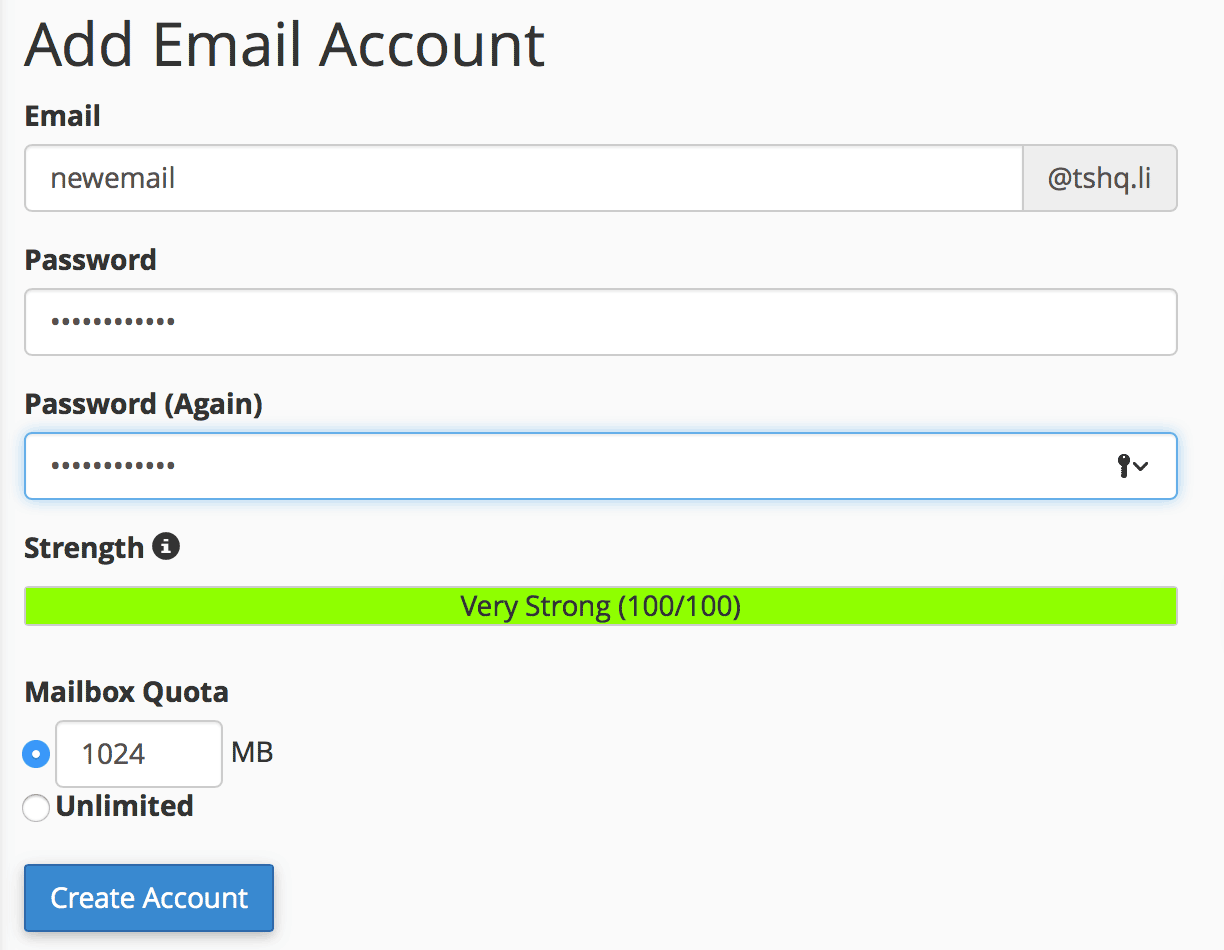
Click "create account".
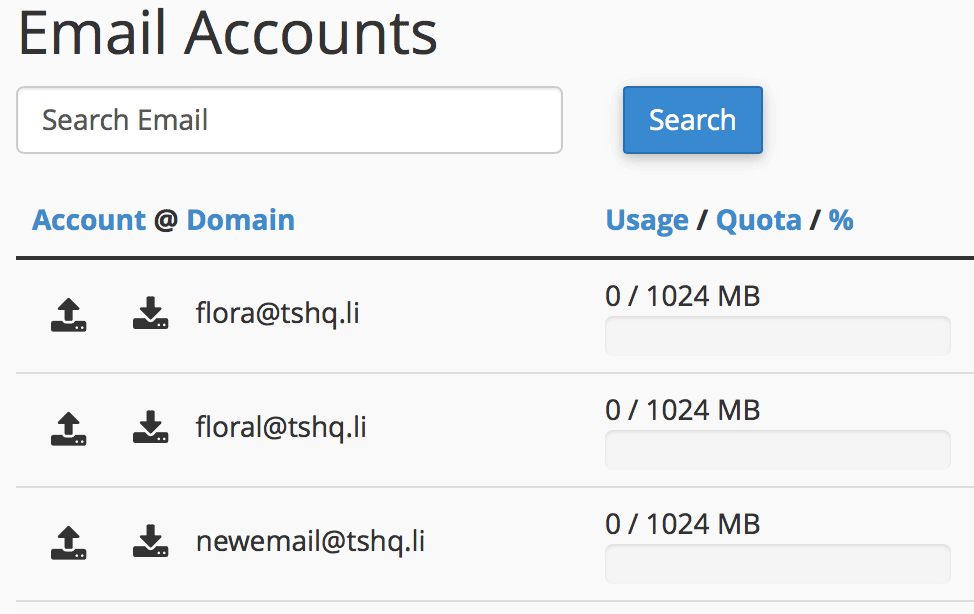
You will see your new email show up under your email accounts section.
Password protecting a directory is useful if you want to limit the access to part of your...
Dedicated IP addresses are a huge benefit to any website there are numerous reasons why sites on...
CNAME entries are great tools that allow you to update you ip address without disrupting your...
To add a new database using MySQL, perform the following tasks:Log into cPanel. Once you are in...
A Records are the most basic type of DNS record and are used to point a domain or subdomain to an...