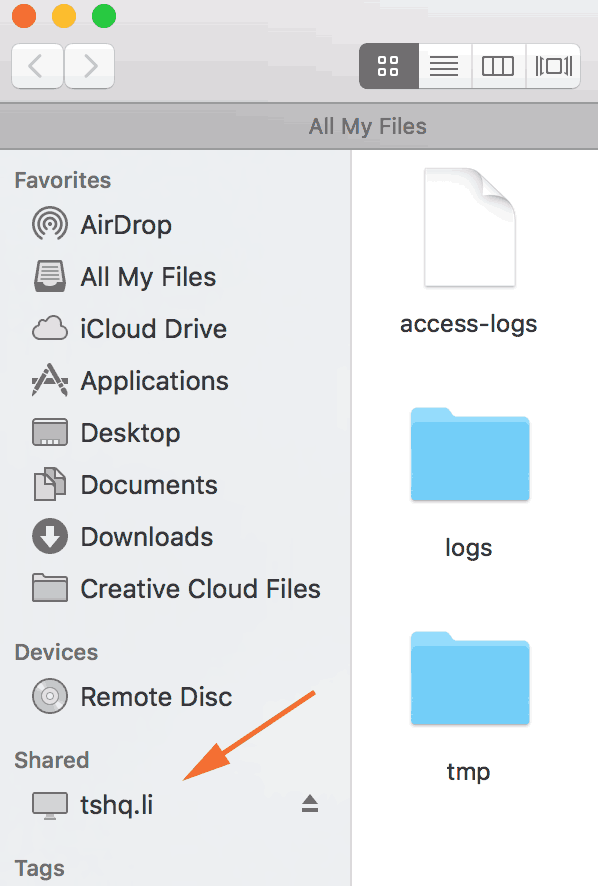
You can create a Web Disk account to manage, navigate, upload, and download the files on your web server. Web Disks are relative to your account’s home directory. Use the
Web Disk interface to manage your Web Disk accounts. The Web Disk utility allows you to manage and manipulate files on your server in multiple types of interfaces (for example, your computer, mobile device, or certain types of software). You can choose a more familiar interface that makes file management tasks easier to complete.
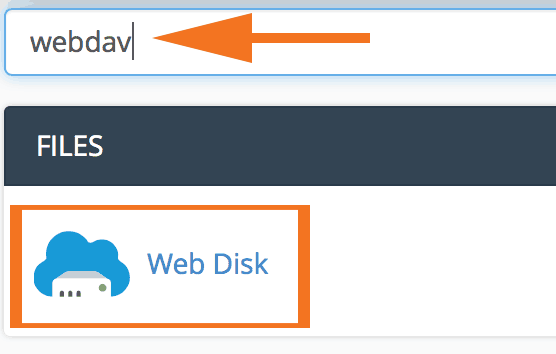
Login to your cPanel. In the search bar, look up webdev and then select Web Disk.
Before you can begin transfering files, you need to download the Web Disk program.
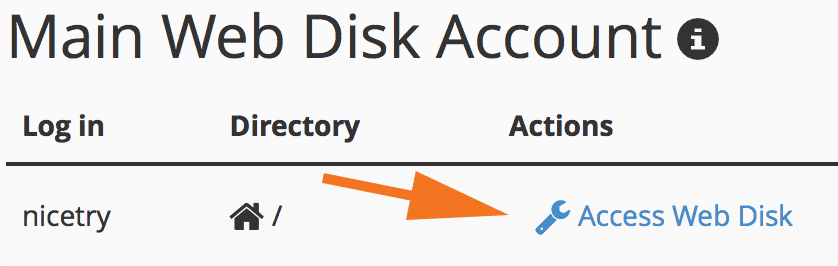
To start, click "access web disk".
You will be taken to a a page with each operating system.
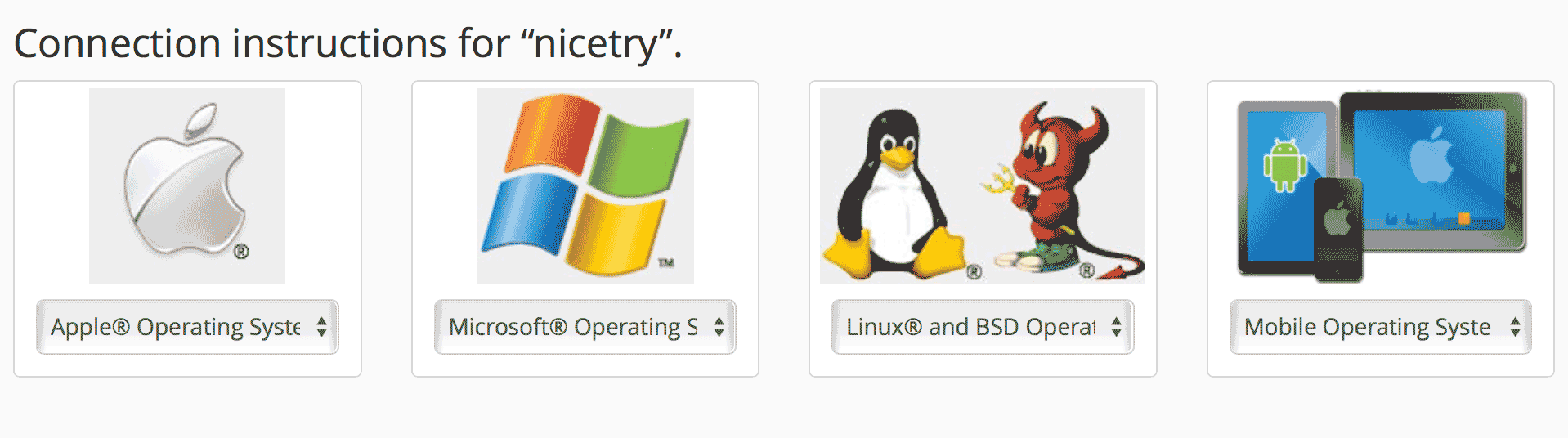
Select your operating system and follow the instructions provided.
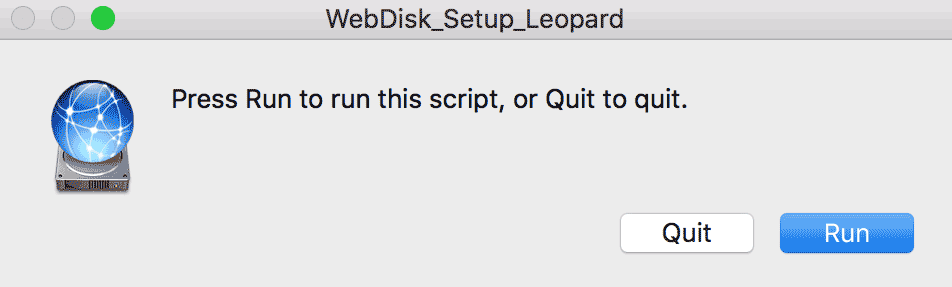
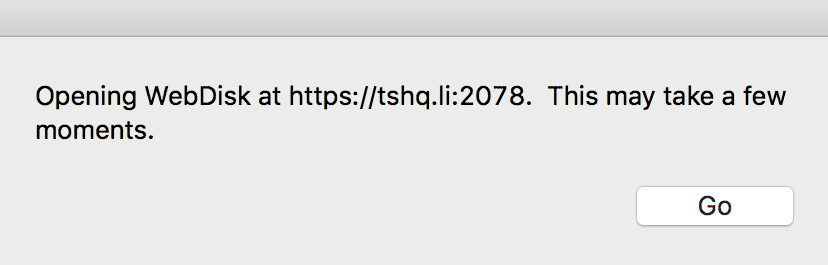
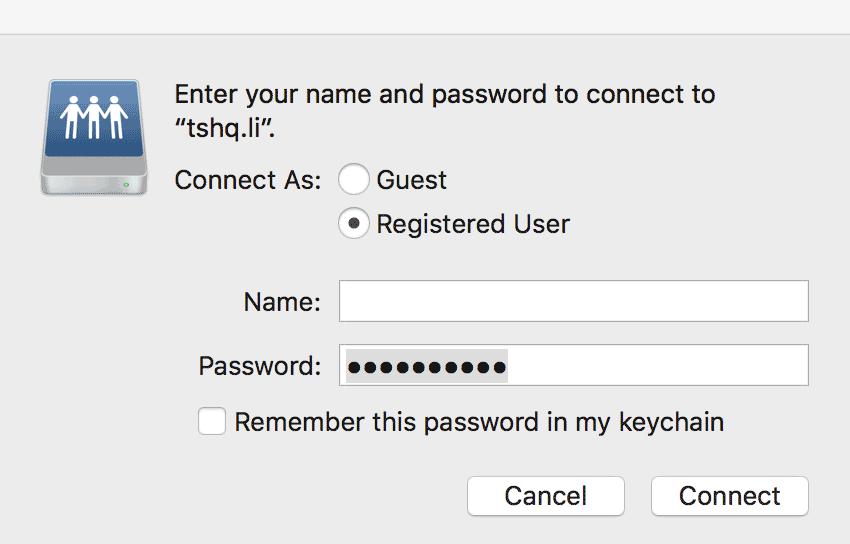
Once that is complete, simply drag the files you wish to sync onto the files on the shared folder downloaded to desktop.