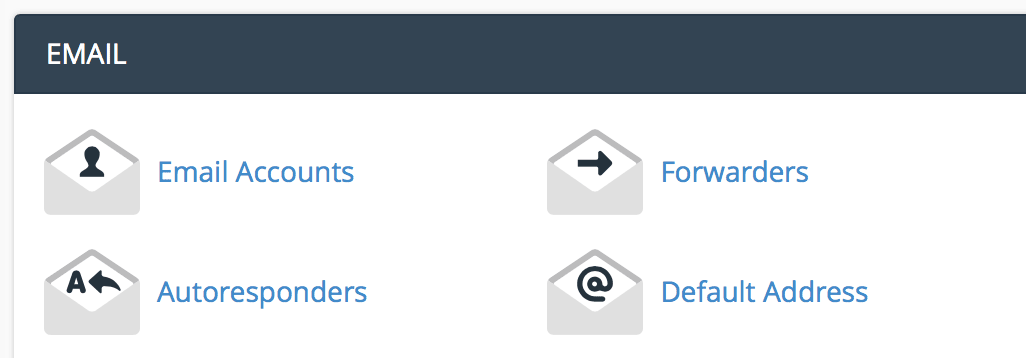
Under the email section, click "email accounts".
Enter the email information you want to set up.
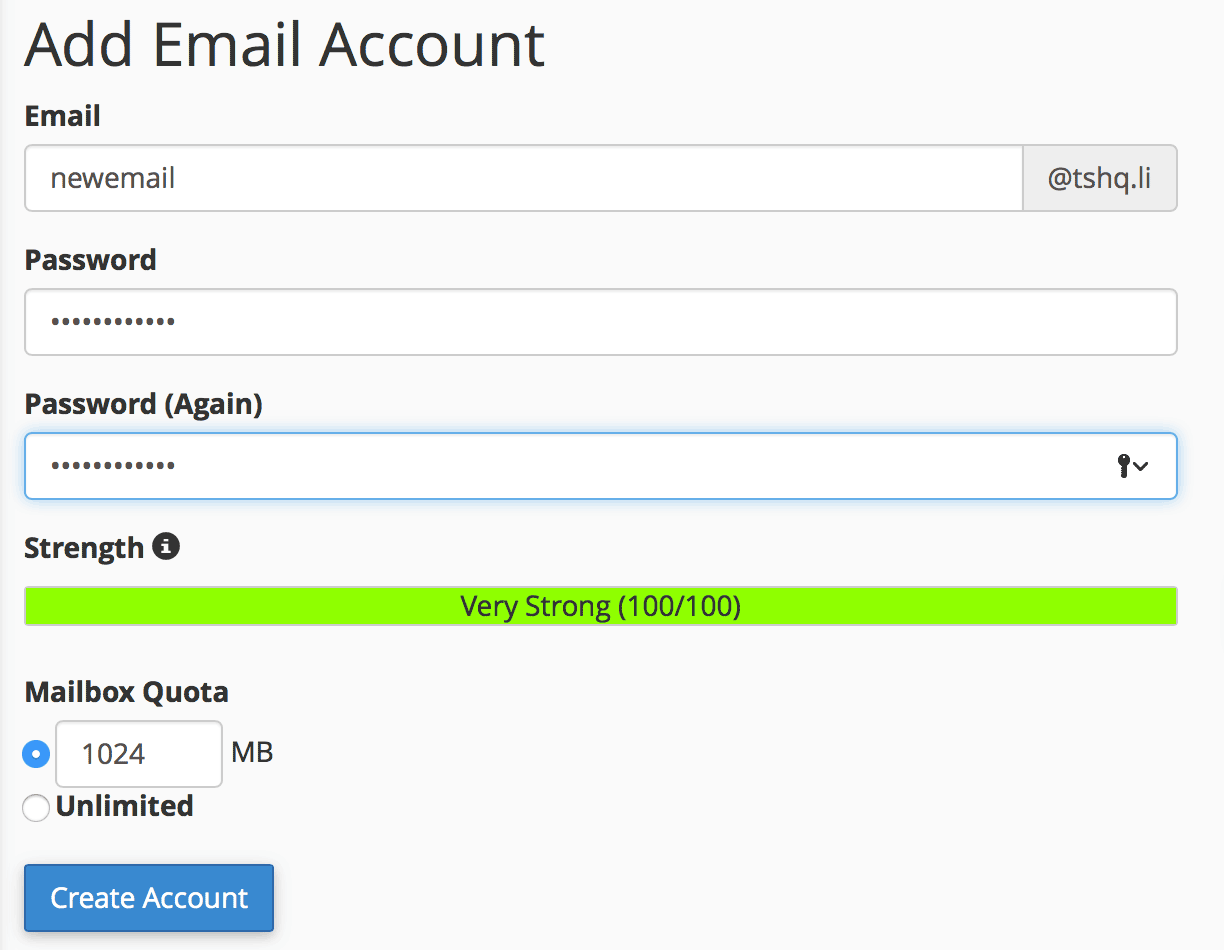
Click "create account".
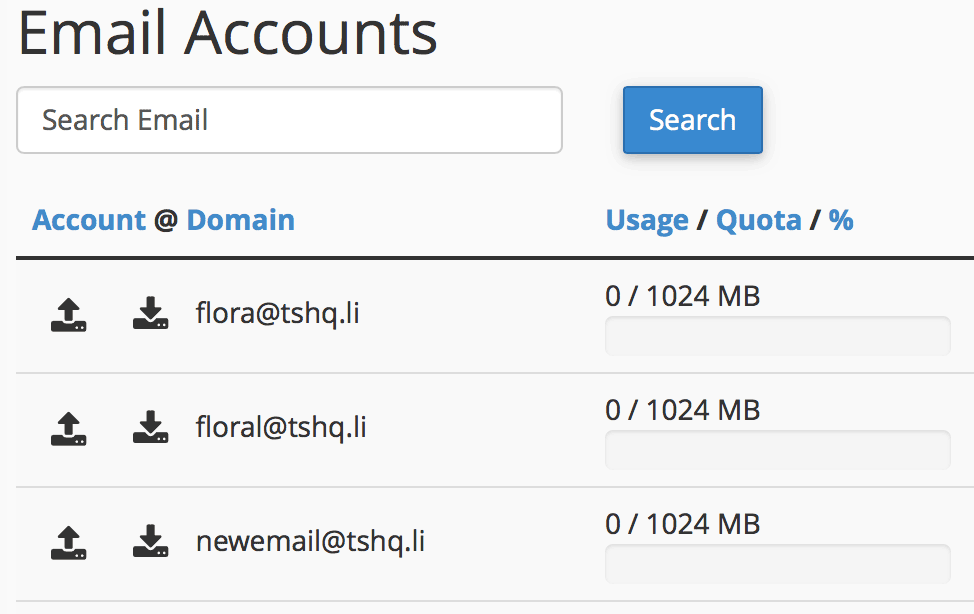
You will see your new email show up under your email accounts section.
Creating a backup of your website is quick and easy. In the search bar look up "backup". Click on...
Domain aliases are domains that you own, but which do not contain any content. Instead, they...
FileZilla is very useful for moving large amounts of information quickly and easily. Here, I will...
Sometimes users make mistakes and mess up their DNS. If this ever happens simply reset the zone...
To add a new database using MySQL, perform the following tasks:Log into cPanel. Once you are in...
