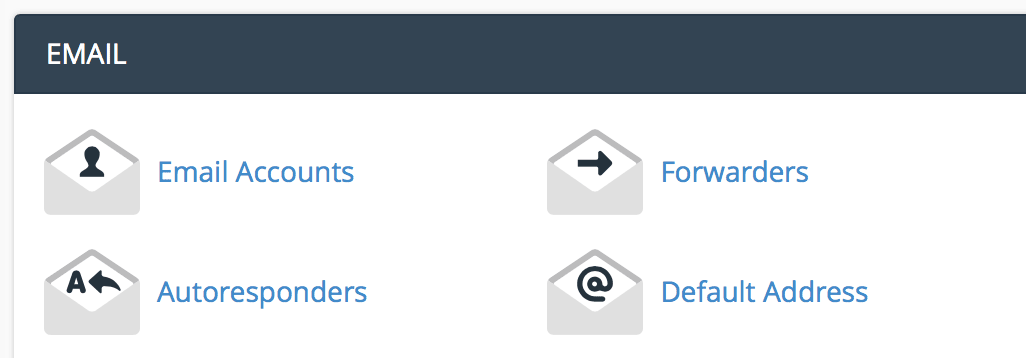
Under the email section, click "email accounts".
Enter the email information you want to set up.
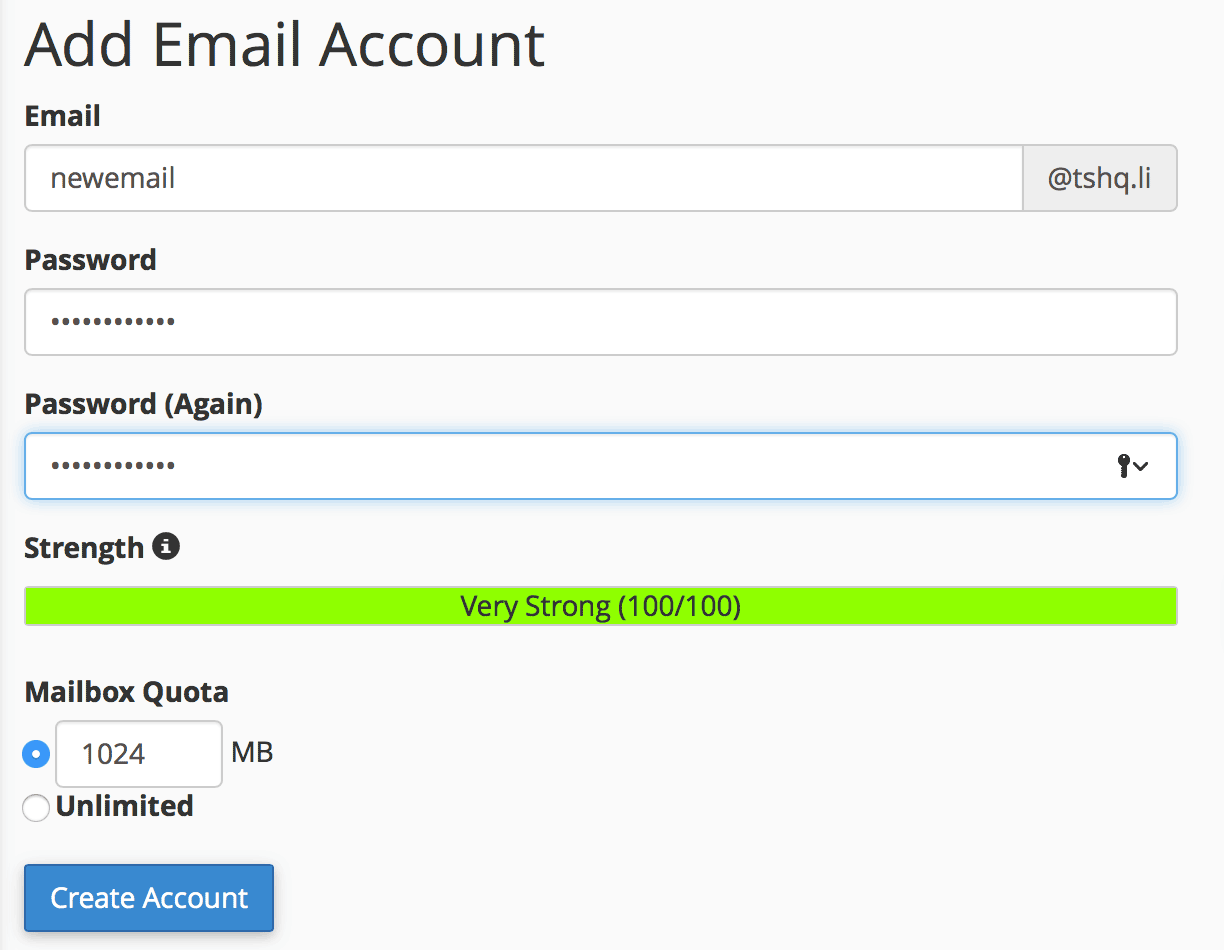
Click "create account".
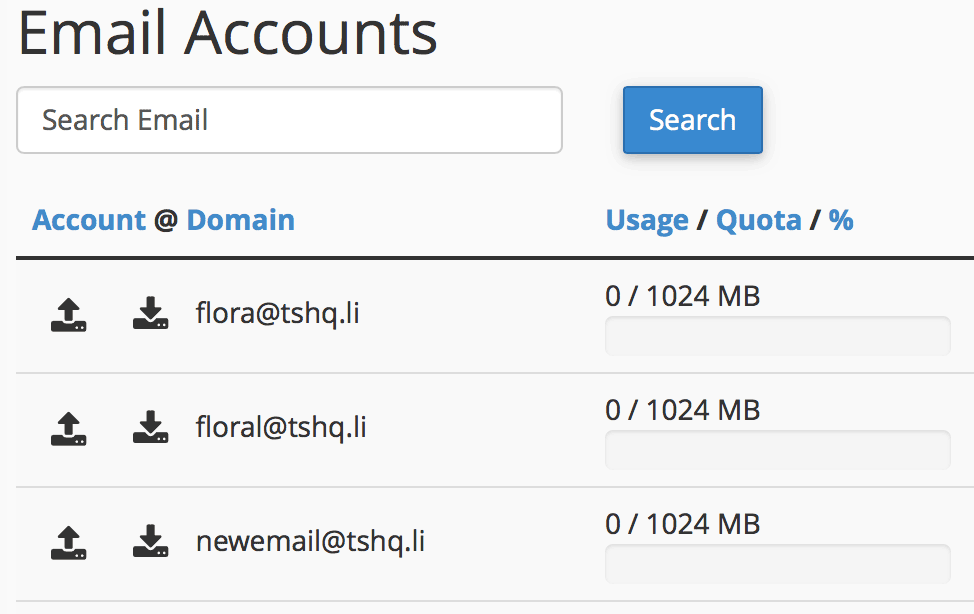
You will see your new email show up under your email accounts section.
Editing your DNS is extremely simple. All you have to do is add the information and our servers...
A subdomain is a subsection of your website that can exist as a new website without a new domain...
Password protecting a directory is useful if you want to limit the access to part of your...
File Transfer Protocol (FTP) is an easy way to take you files and put them into you website. When...
SpamAssassin is a computer program used for email spam filtering. It is extemely easy to set up...
